MockuplabsMockuplabs

Create Product Mockups from Your Own Photos

Automatically turn your own product photos into editable mockups, fit designs realistically, and keep creating in the same canvas.

Create your mockup
  • Use Your Own Product Photos
  • No PSD or Photoshop Needed
  • Editable design placement
Product Mockup Generator feature preview

Turn the Products You Actually Sell Into Editable Mockups

Create realistic design previews from your own product photos, keep control over the result, and continue building ecommerce content in the same canvas.

Create an Editable Mockup From Your Own Product Photo

Upload the product you actually sell and Mockuplabs automatically turns the photo into an editable mockup.

You are no longer limited to finding a template that looks similar to your T-shirt, hoodie, bag, mug, packaging, or other product. The original product shape, texture, photography, background, and visual details remain your starting point.

That means the mockup customers see can be based on the exact product you are preparing to sell.

Create an Editable Mockup From Your Own Product Photo

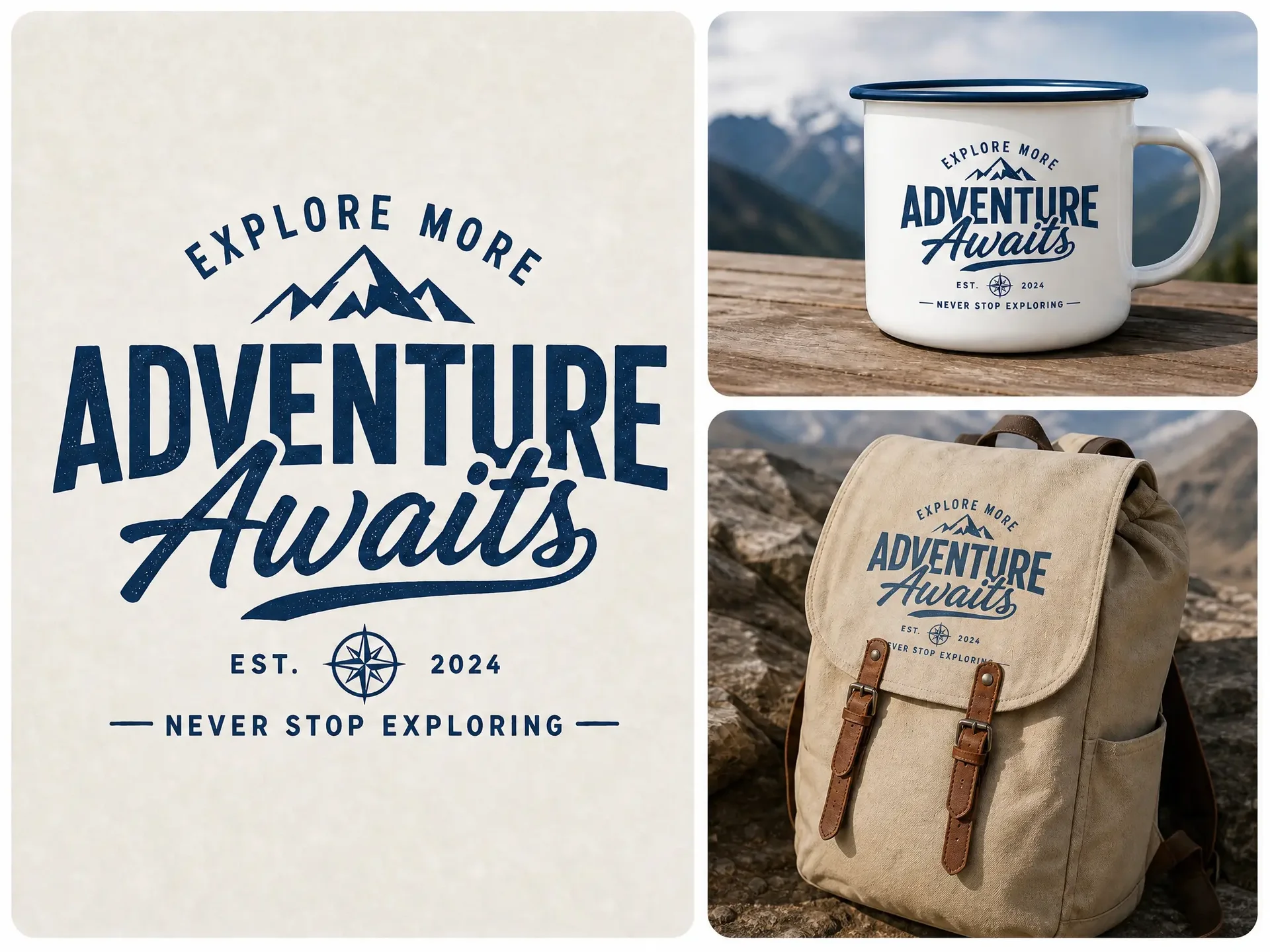
Fit Designs Realistically to the Product Surface

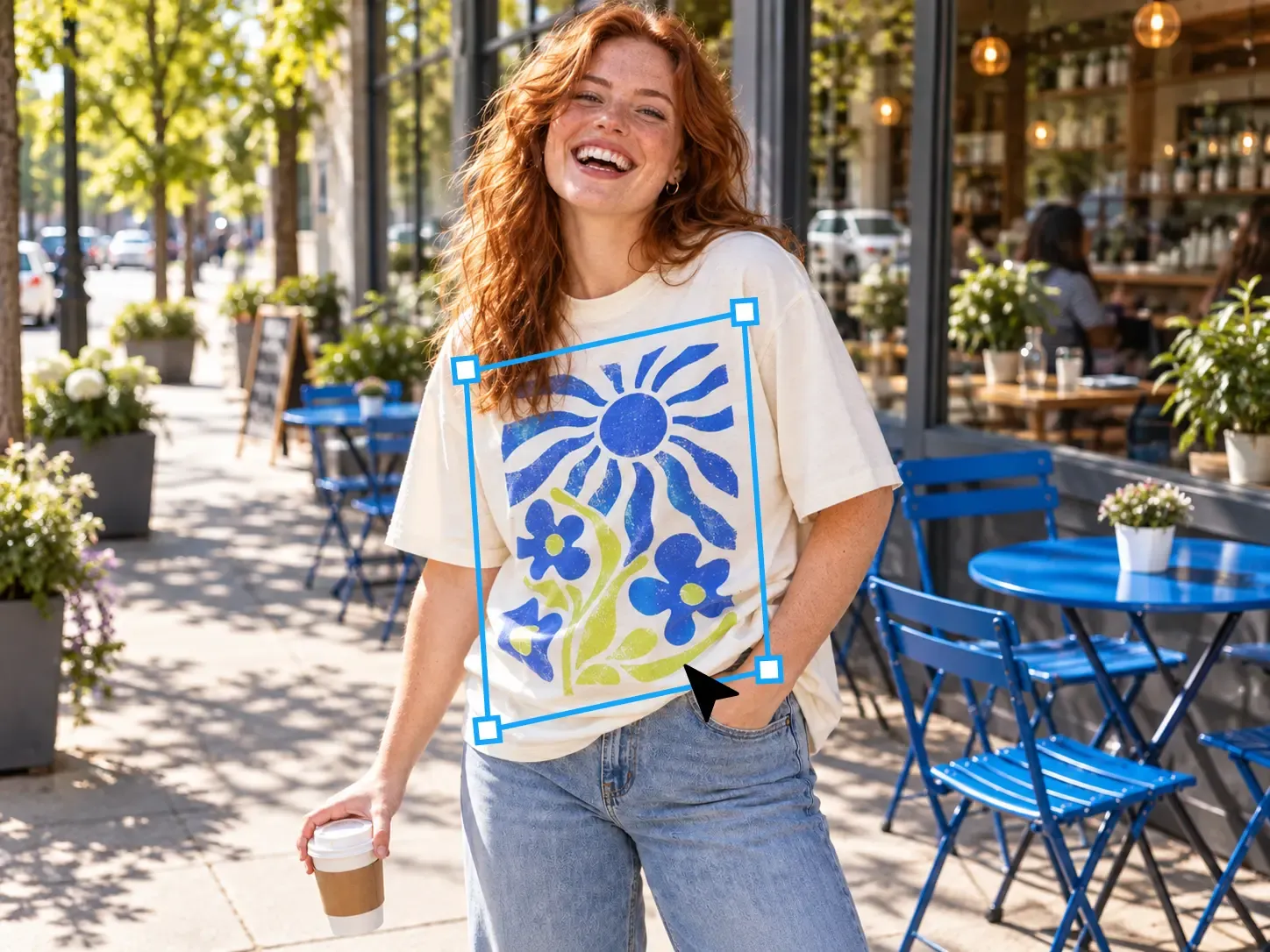
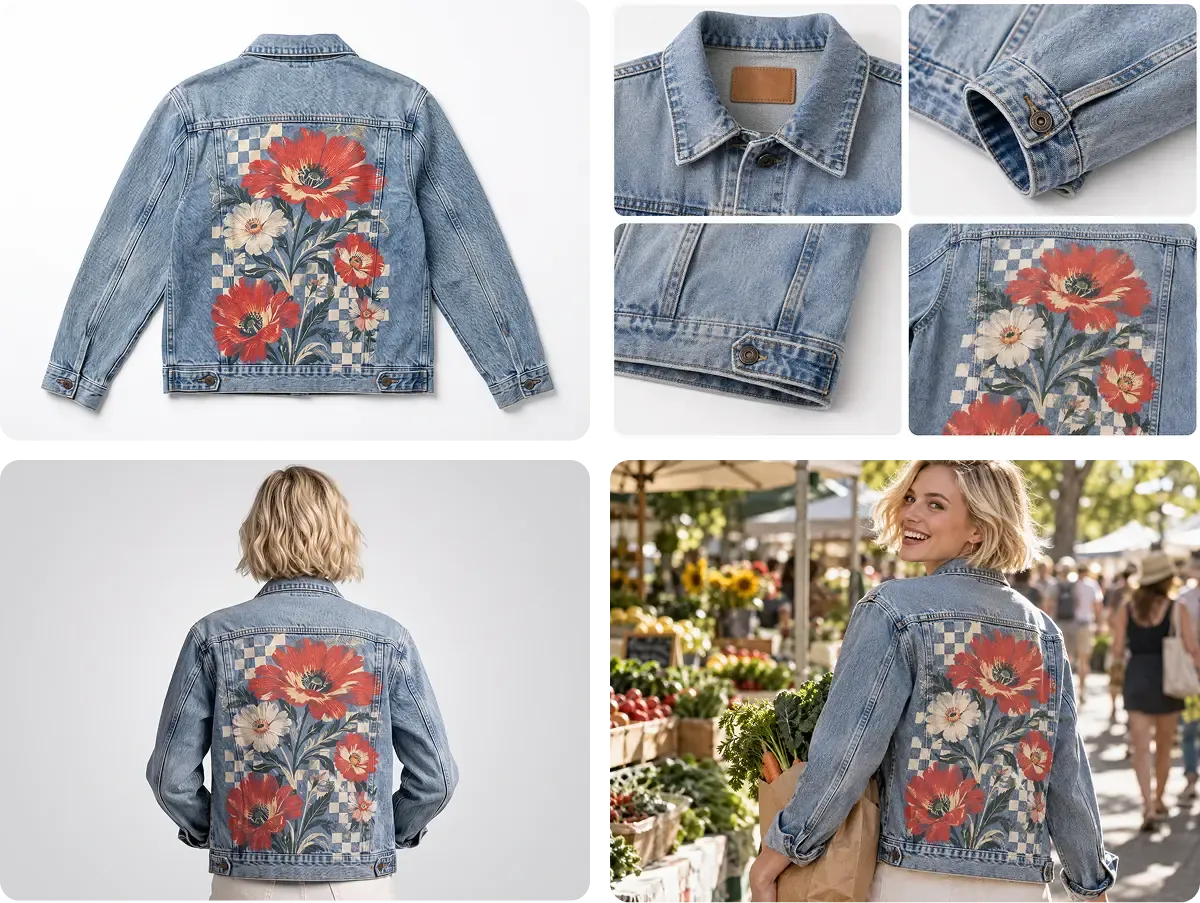
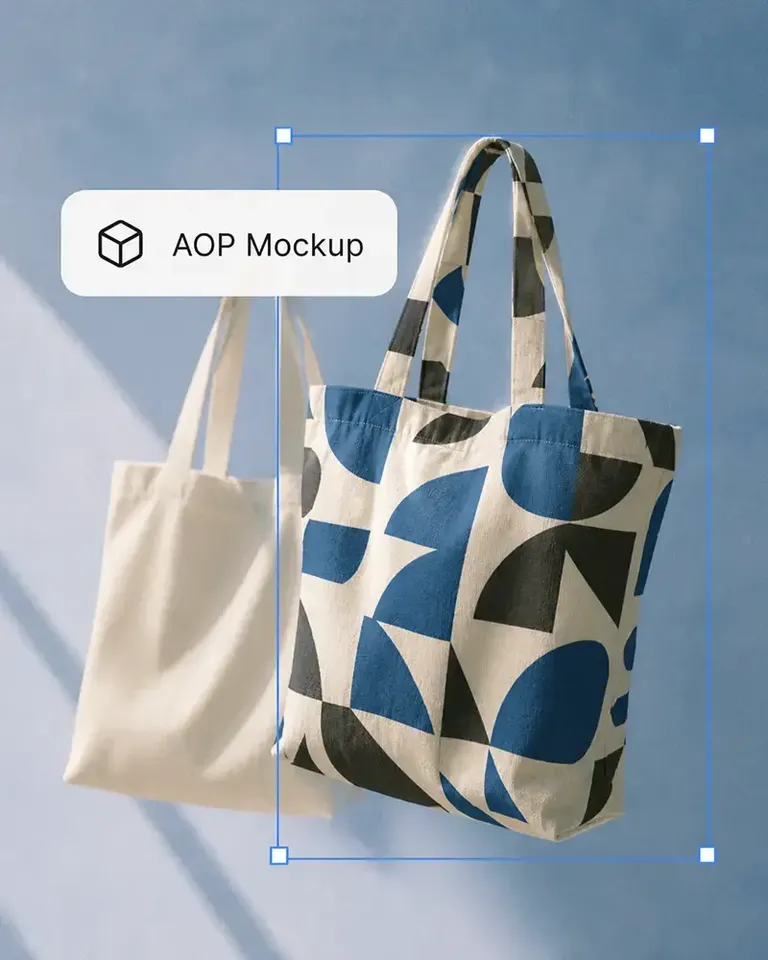
Upload your design and Mockuplabs automatically fits it to the product, following visible folds, curves, perspective, and lighting instead of simply placing a flat graphic on top of the image.

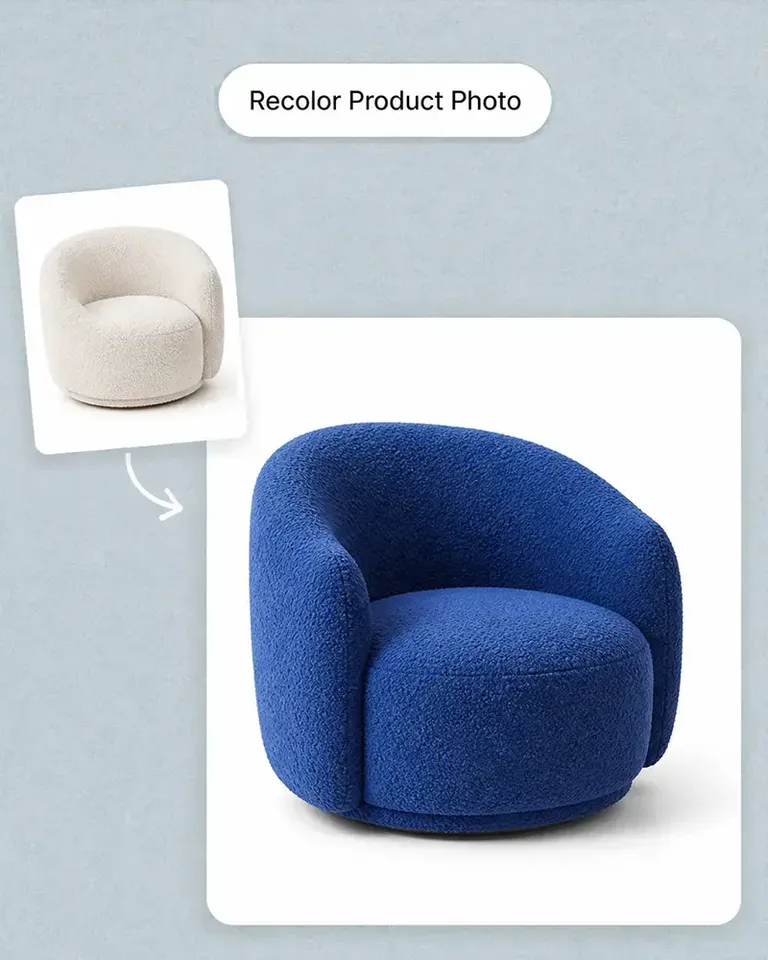
You can adjust design position and scale when needed and recolor the product with real-time preview, making it easier to judge how the final combination actually looks before using it in your store.

Fit Designs Realistically to the Product Surface

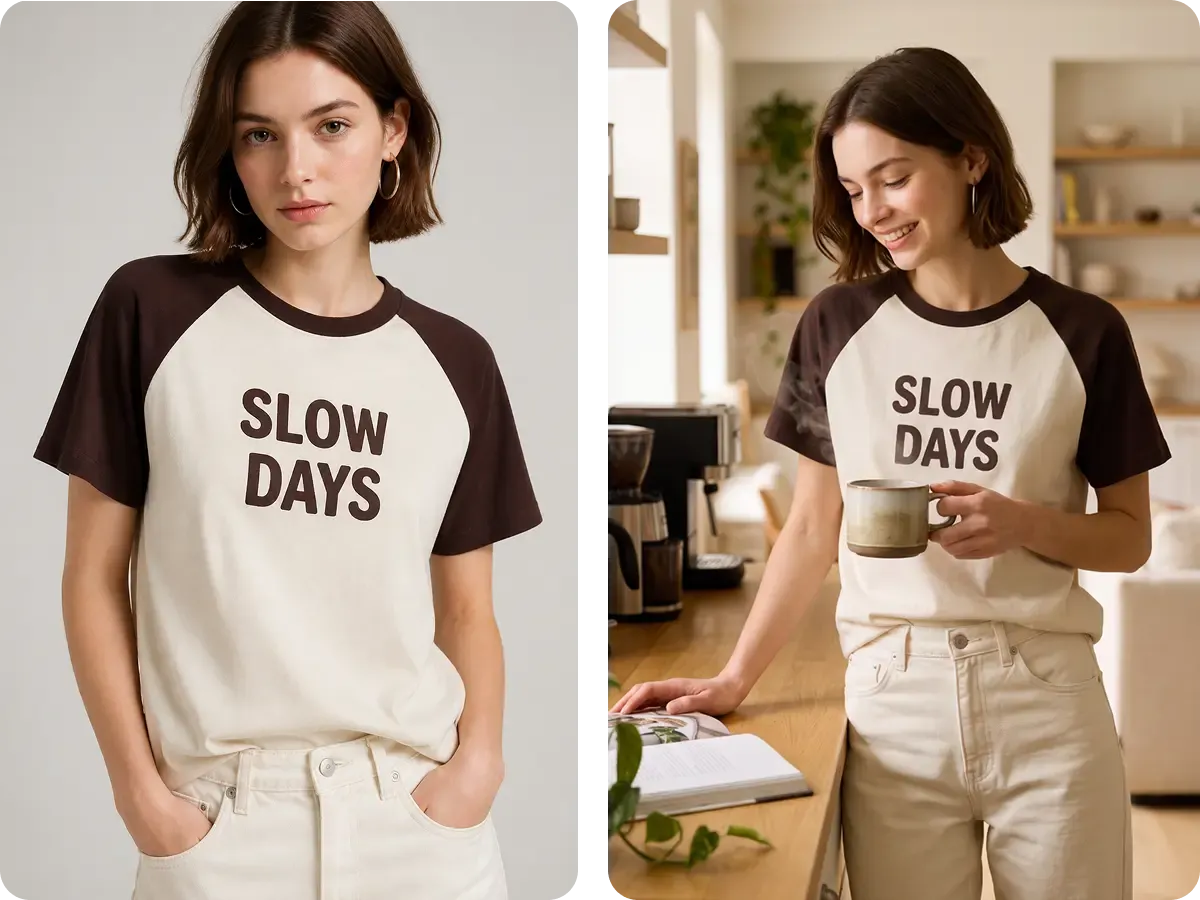
Keep Creating Without Leaving the Canvas

A finished mockup does not have to be the end of the workflow.

Once your product, design, and color look right, you can continue using the same product directly in other Mockuplabs tools without exporting the image, switching applications, or uploading everything again.

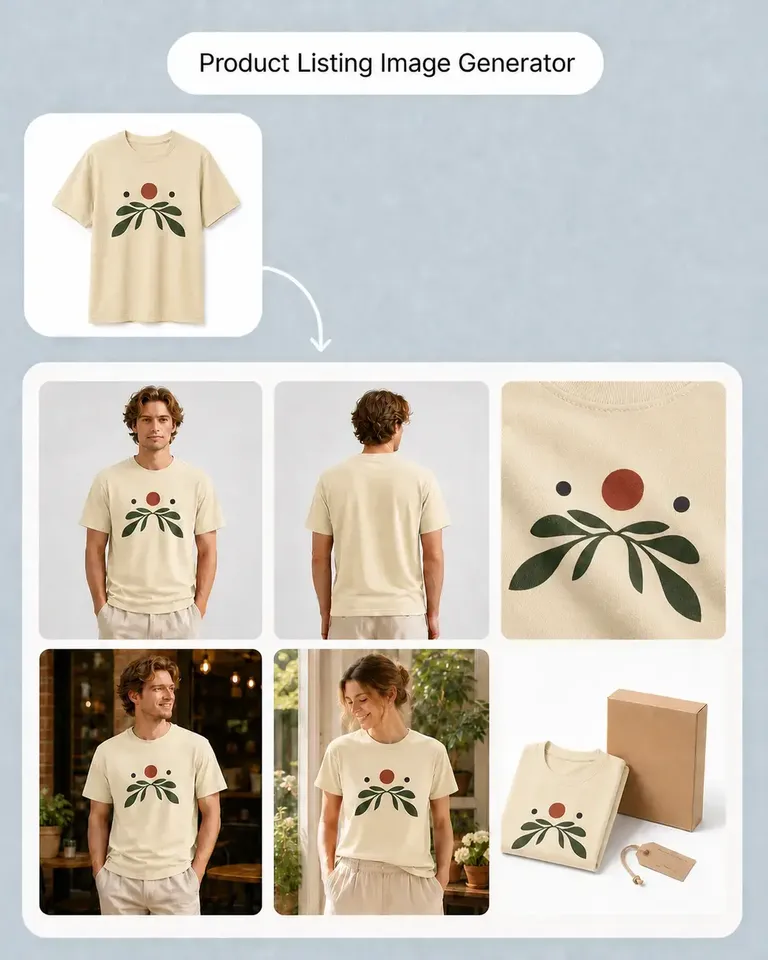
From the same canvas, the approved product can continue into Product Listing Images, Product Videos, AI Lifestyle Scenes, and other ecommerce content workflows while keeping the product visually consistent.

Keep Creating Without Leaving the Canvas

Create a Realistic Product Mockup in Four Simple Steps

Start from your own product photo and keep the entire mockup workflow in one canvas.

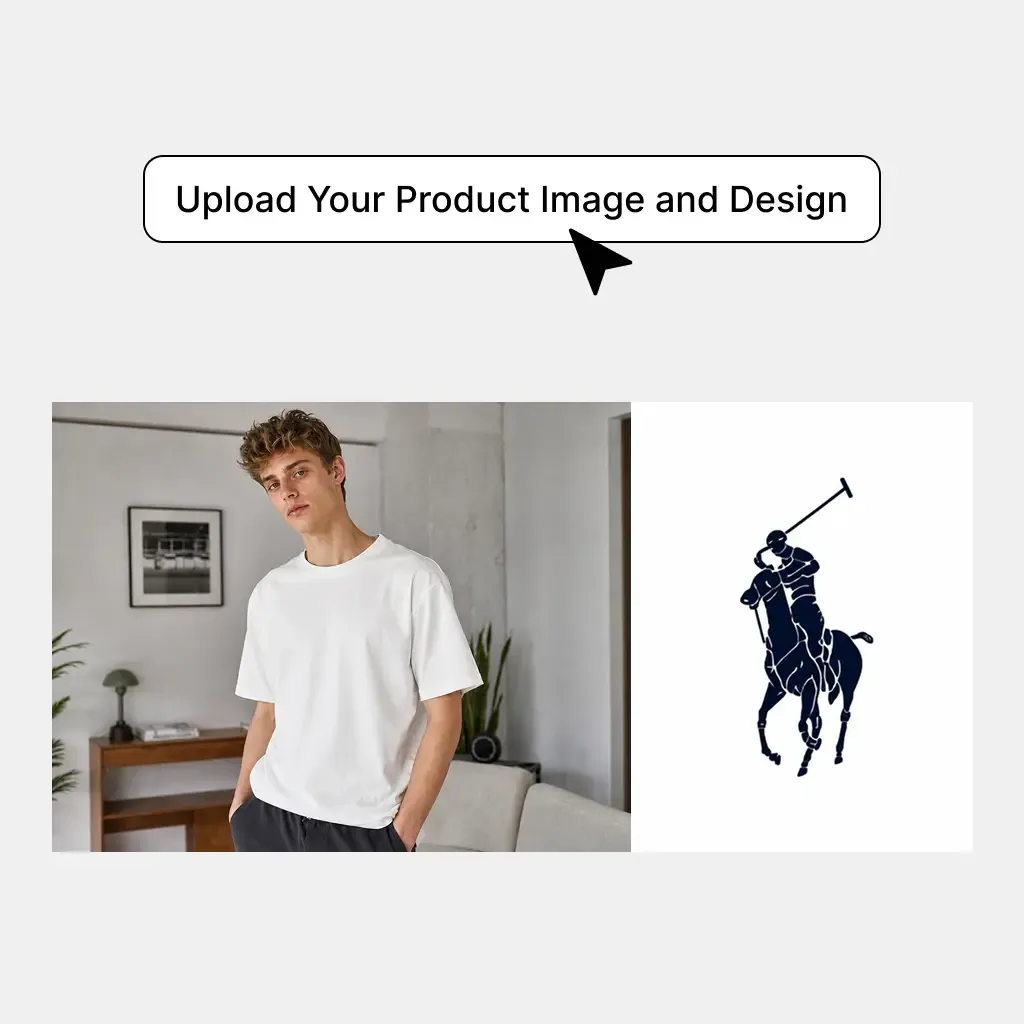
  1. Upload Your Product and Design

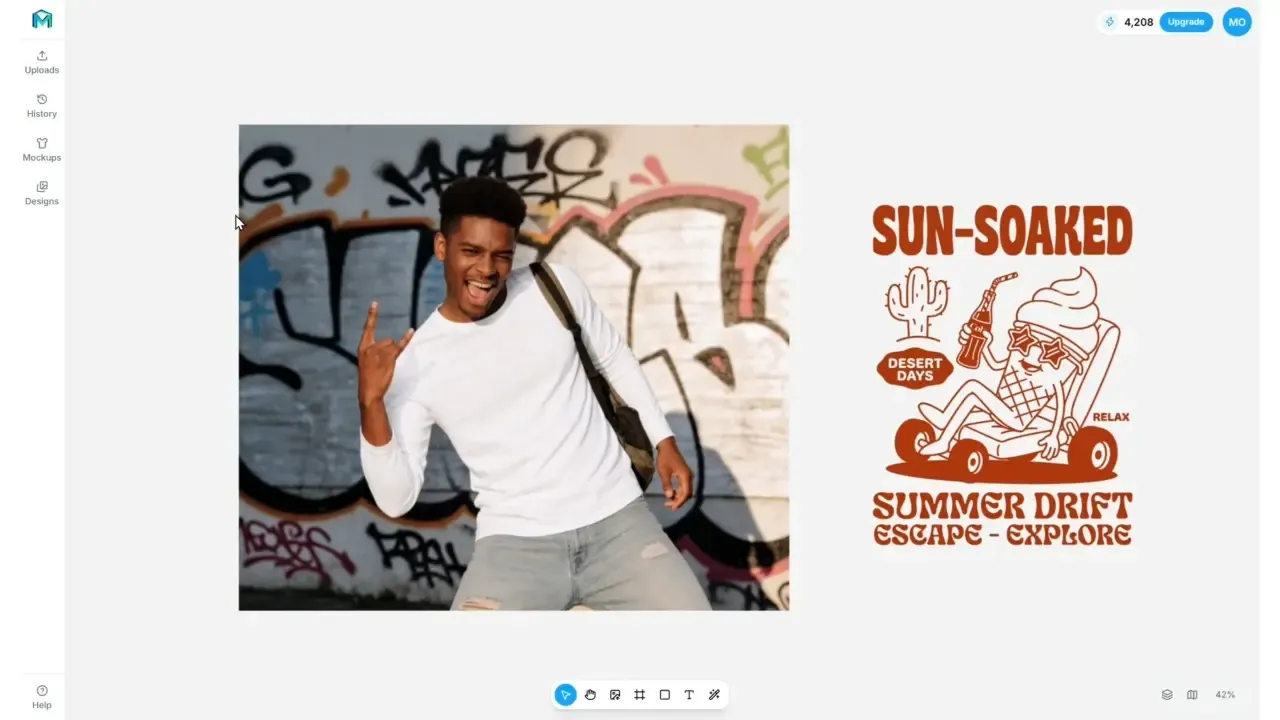
    Upload the product photo you want to customize and the design you want to apply.

    Upload Your Product and Design
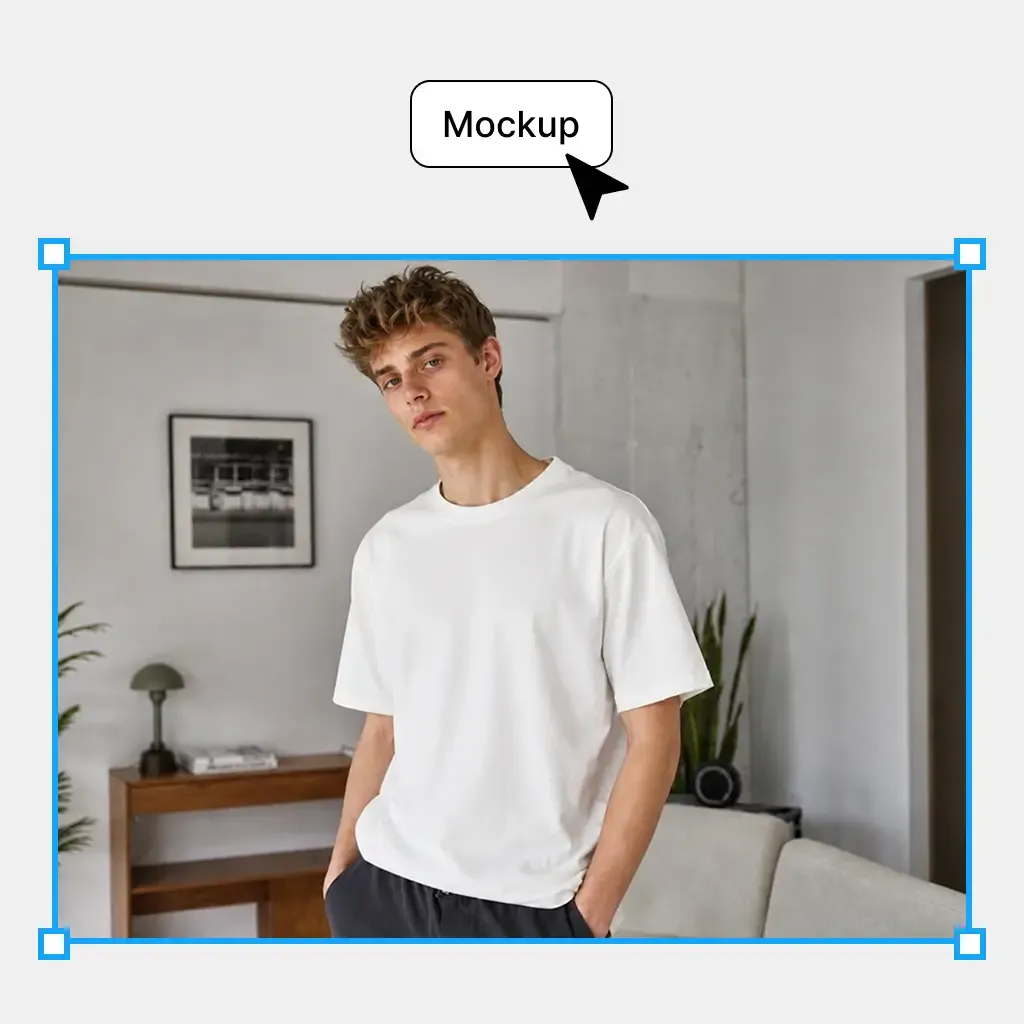
  2. Turn Your Product into a Mockup

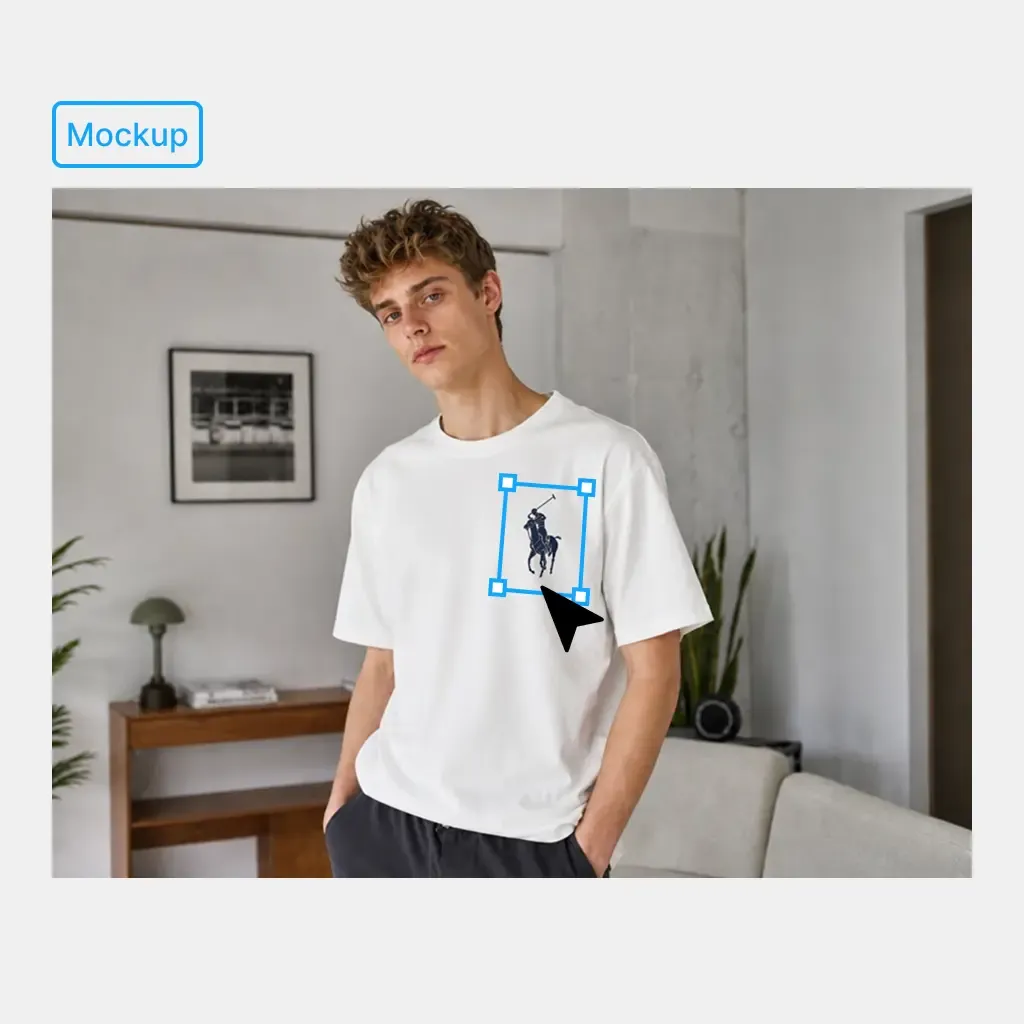
    Click Mockup to turn your product photo into an editable mockup.

    Turn Your Product into a Mockup
  3. Apply Your Design and Adjust

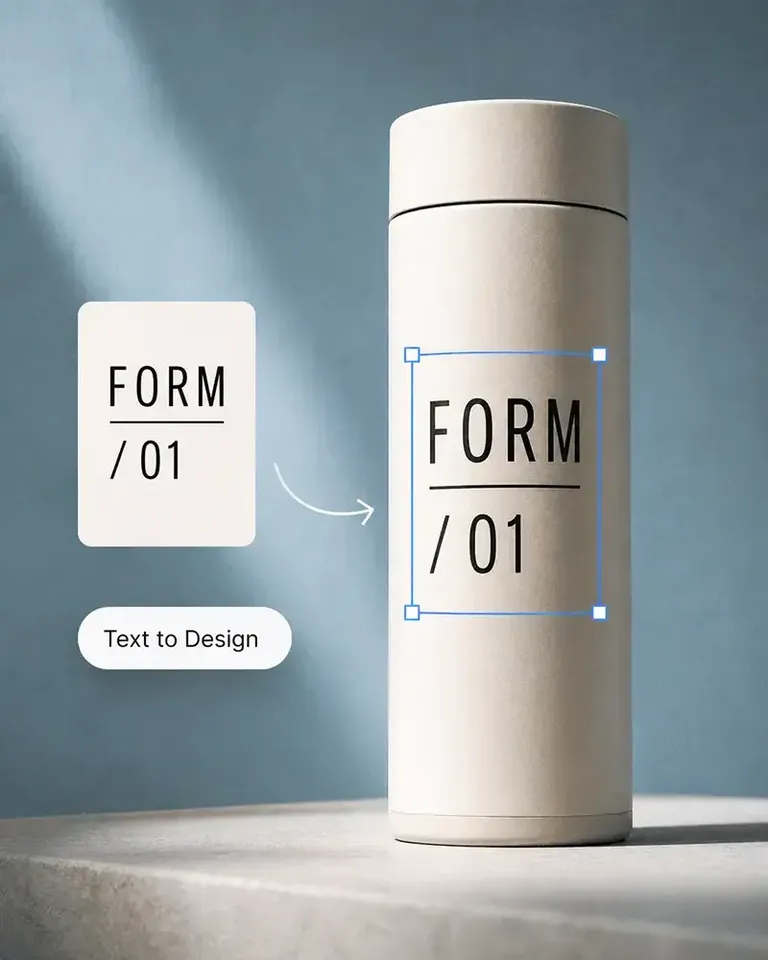
    Drag your design onto the mockup. It automatically fits the product surface. Adjust the design’s position or scale, then change the mockup color as needed.

    Apply Your Design and Adjust
  4. Download Your Mockup

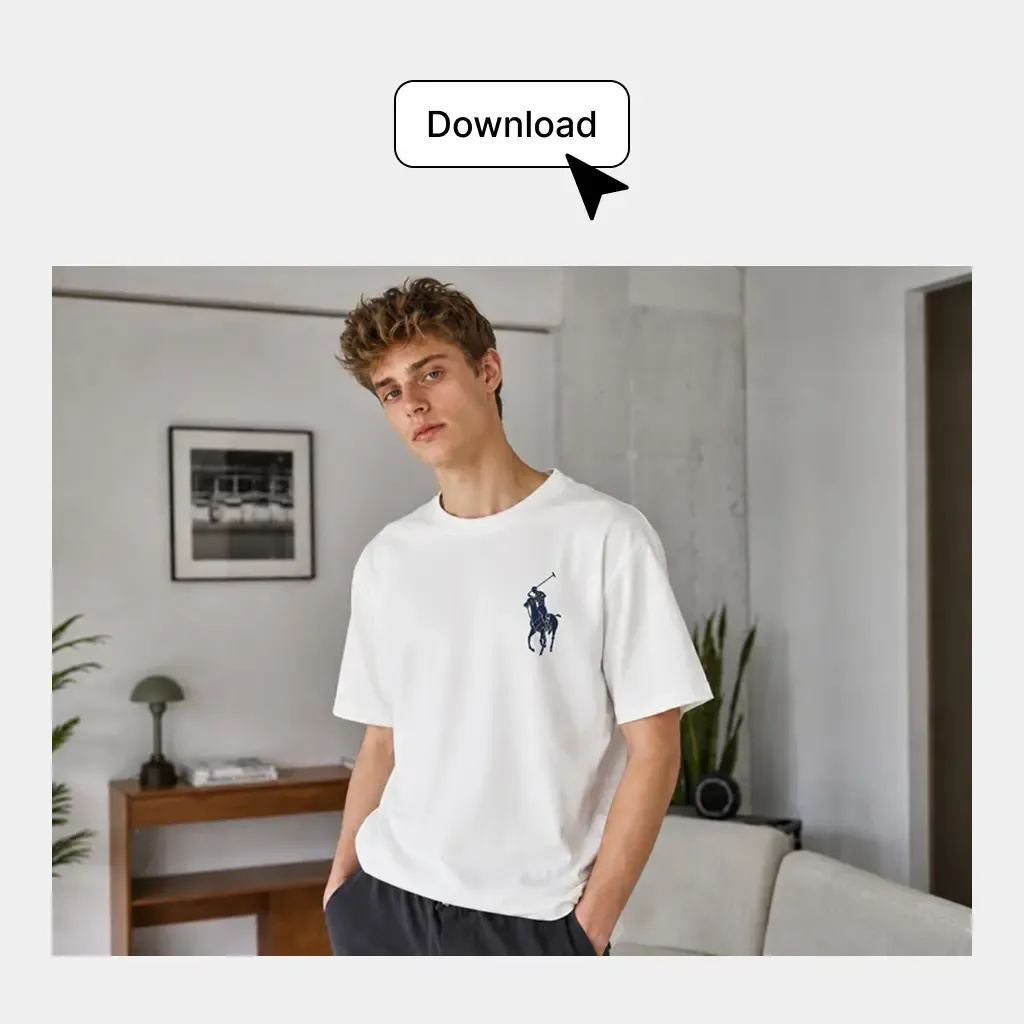
    Download your finished mockup or continue creating with other Mockuplabs tools in the same canvas.

    Download Your Mockup

Built for Real Product Design and Ecommerce Workflows

Use your actual product photography to test designs, prepare launches, create listing visuals, and build more content around the same approved product.

Preview Designs on the Product You Actually Sell

Preview Designs on the Product You Actually Sell

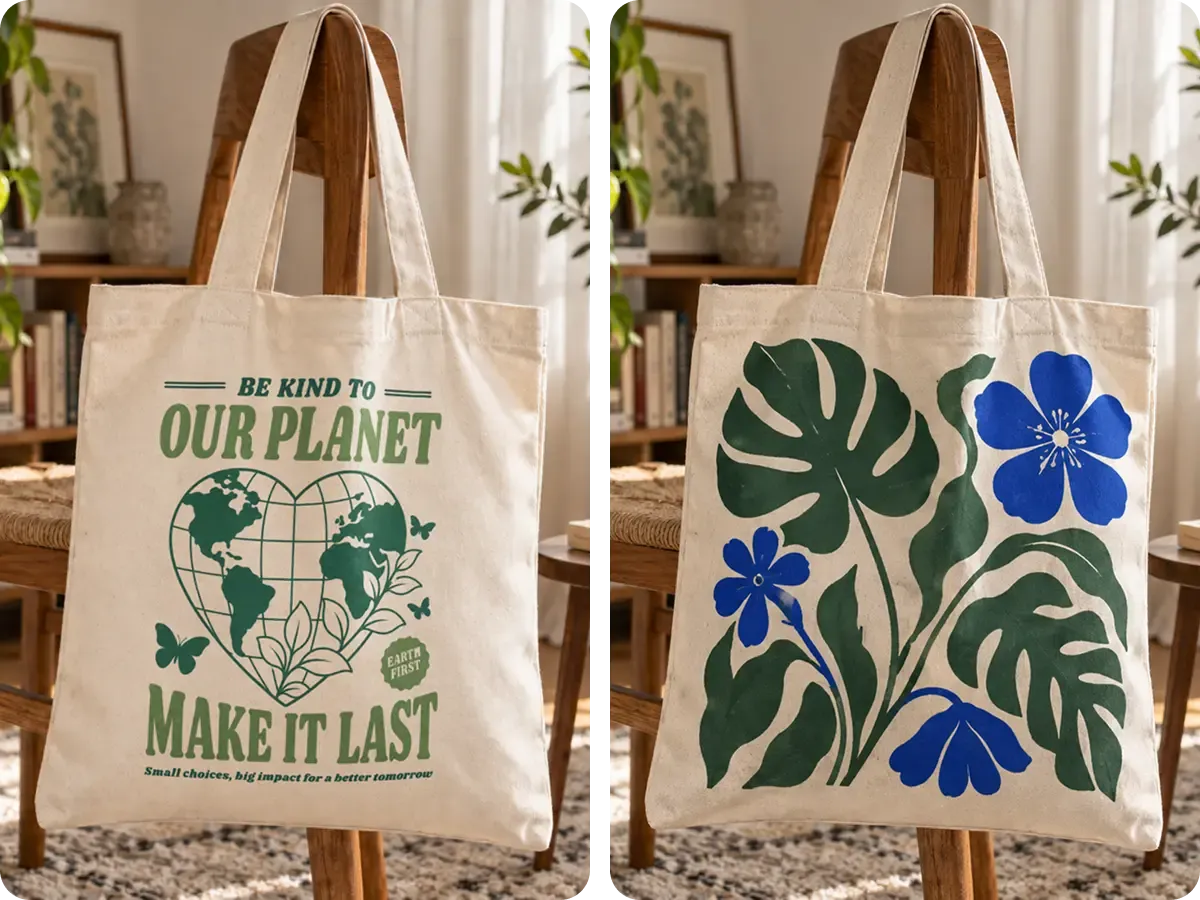
A generic T-shirt or hoodie template may be useful for a rough concept, but it does not always match the product your customers will receive. Turn your real product photo into a mockup and preview the design directly on its actual shape, folds, proportions, and photography.

  • Best for: Apparel brands, POD sellers, Merchandise businesses, Product designers, Ecommerce sellers

Create Mockups From Your Real Products, Not Just Templates

Combine automatic product setup, realistic design fitting, product editing, and continued ecommerce content creation in one workflow.

Starting product

Mockuplabs

Use your own product photo

Traditional Mockup Templates

Choose from an existing mockup template

General-Purpose AI Tools

Describe or reference a product

1,317 ratings843 reviews

Product visuals, made easier

Whether you’re launching a product, growing a brand, or creating content at scale, Mockuplabs helps you bring every product to life faster.

Hannah Park

Hannah Park

The design fitting is the standout feature in Mockuplabs for me. The artwork follows the curves and folds, and I can still adjust the size and position until it looks right.

Marc Vogel

Marc Vogel

What I like about Mockuplabs' recolor tool is the control over separate color areas. I can change the part I mean to change and still see the fabric texture, shadows, and printed details.

Leo Martinez

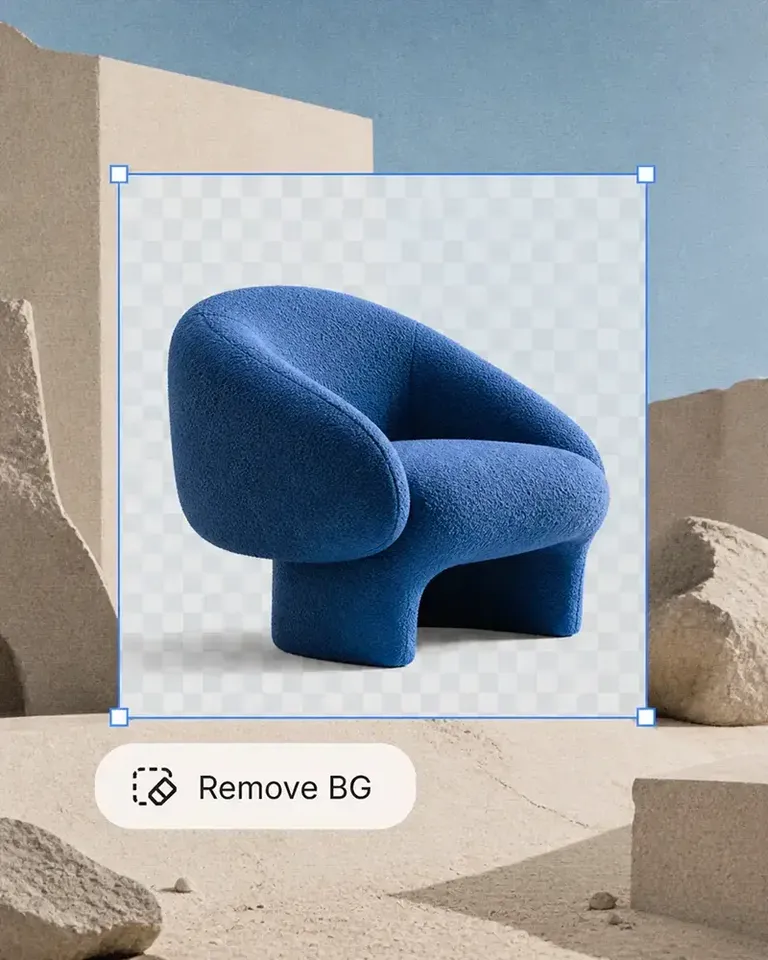
The background remover is useful on its own, but I like it more as part of Mockuplabs. A clean product image can become a mockup or another visual without another round of file juggling.

Chloe Martin

Turning my own product photo into a mockup is the Mockuplabs feature I value most. I'm not limited to a template that only vaguely resembles what I'm selling.

Adam Campbell

Adam Campbell

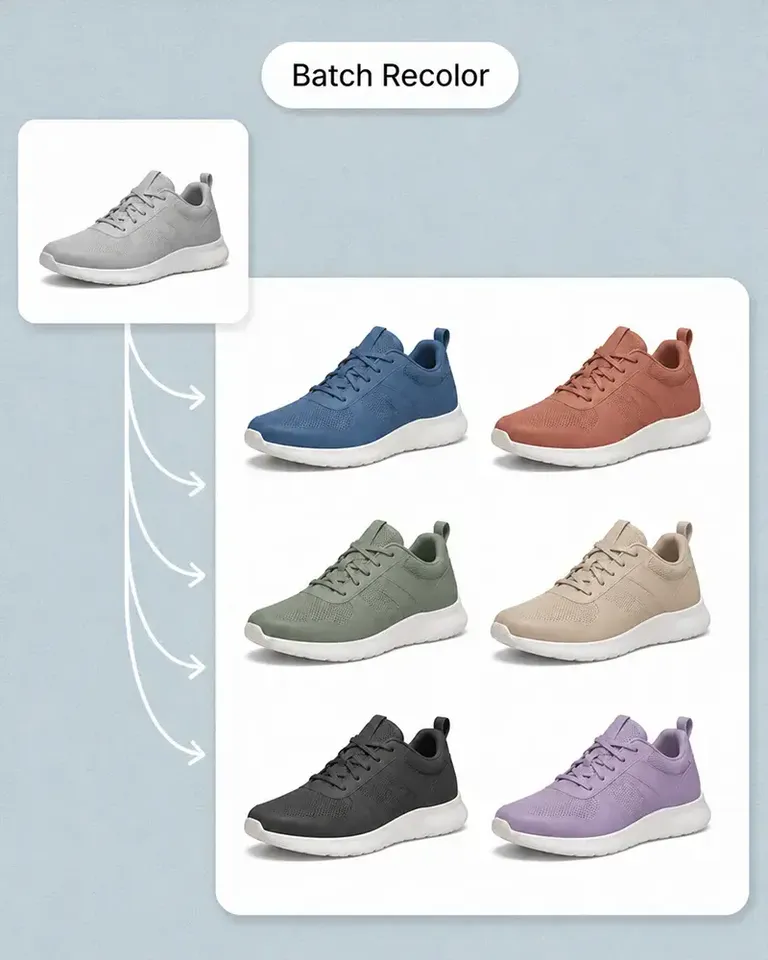
For our catalog work, Mockuplabs' batch recolor is more useful than changing one photo at a time. I like seeing a color live before adding it to the batch, especially when a darker shade makes the print harder to read.

rorymadeit

The live recolor preview in Mockuplabs makes comparing shades feel much more direct. The folds and highlights are still visible, so I'm judging the color on a product rather than on a flat swatch.

Grace Evans

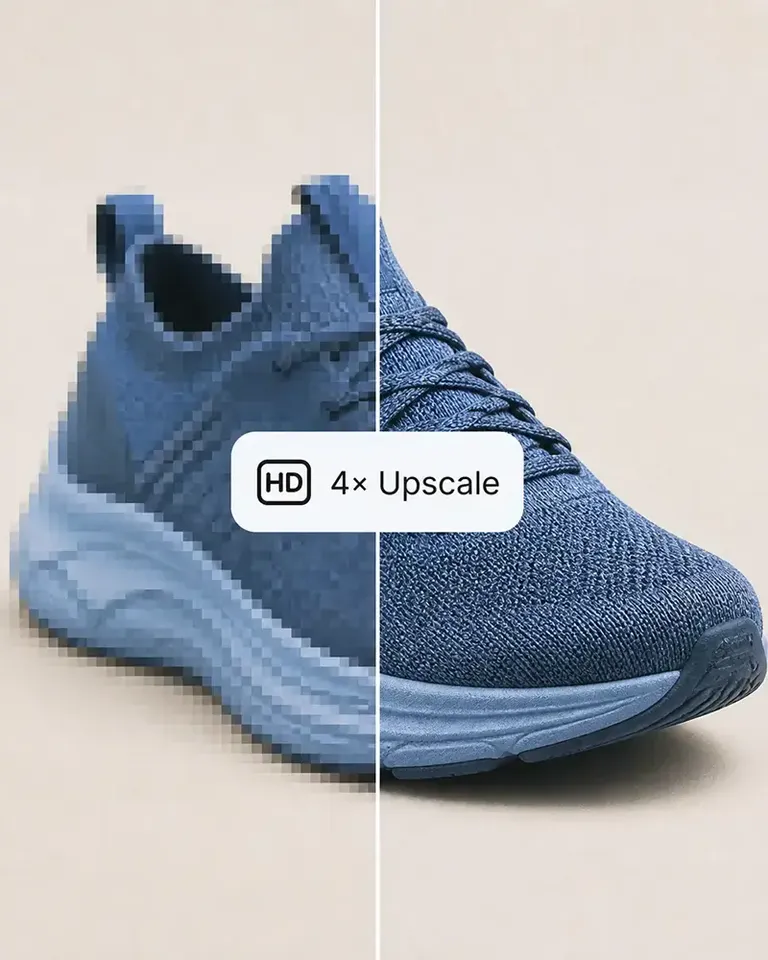
The upscaler made a small product photo more usable for a larger layout. It isn't a replacement for a good source image, but I'm glad I didn't have to discard the photo.

Yuki Tanaka

Yuki Tanaka

Mockuplabs gets the artwork close to where I want it, and the position and size controls let me finish the job. That last bit of adjustment matters when the design needs to sit neatly on the product.

Niko Petrov

Niko Petrov

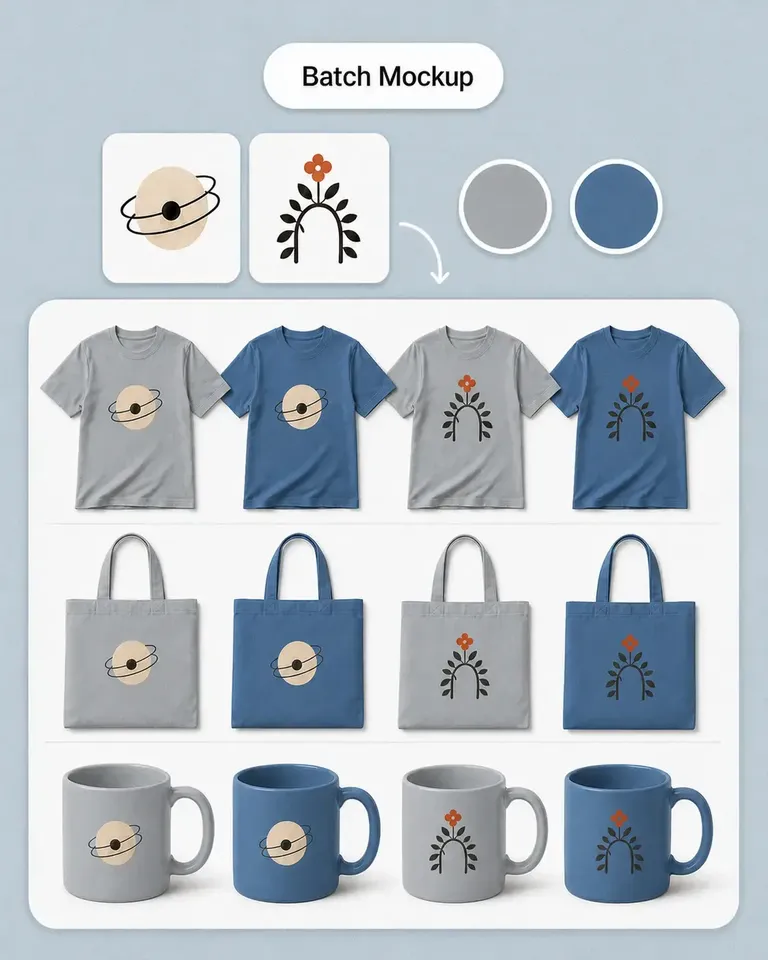
I make POD listings with several designs and product views. Mockuplabs' batch mockups let me reuse the placements I've already checked, which is the part I most wanted to stop repeating.

Isabel Moreno

The cutout looked clean enough for my product layout. The handle details were still there, which was the part I was concerned about.

Tom Sullivan

Tom Sullivan

For a catalog with several photos per item, batch recolor is the useful part. I still check the logos and color boundaries in the results, but having the whole photo set together makes the review easier.

lena.draws

lena.draws

I came to Mockuplabs for mockups, but the background removal and image tools have been just as useful. It feels like a practical product-image editor rather than a single-purpose generator.

Mockup Generator FAQs

See the POD Sellers for the complete job, or visit the Help Center for help.

A product mockup generator lets you preview a design on a product before using the final visual in ecommerce, marketing, or product development. Mockuplabs turns your own product photos into editable mockups instead of requiring a predefined mockup template.

Turn the Product You Sell Into a Mockup You Can Keep Building On

Create a realistic mockup from your own product photo, then continue building ecommerce content around the same approved product.